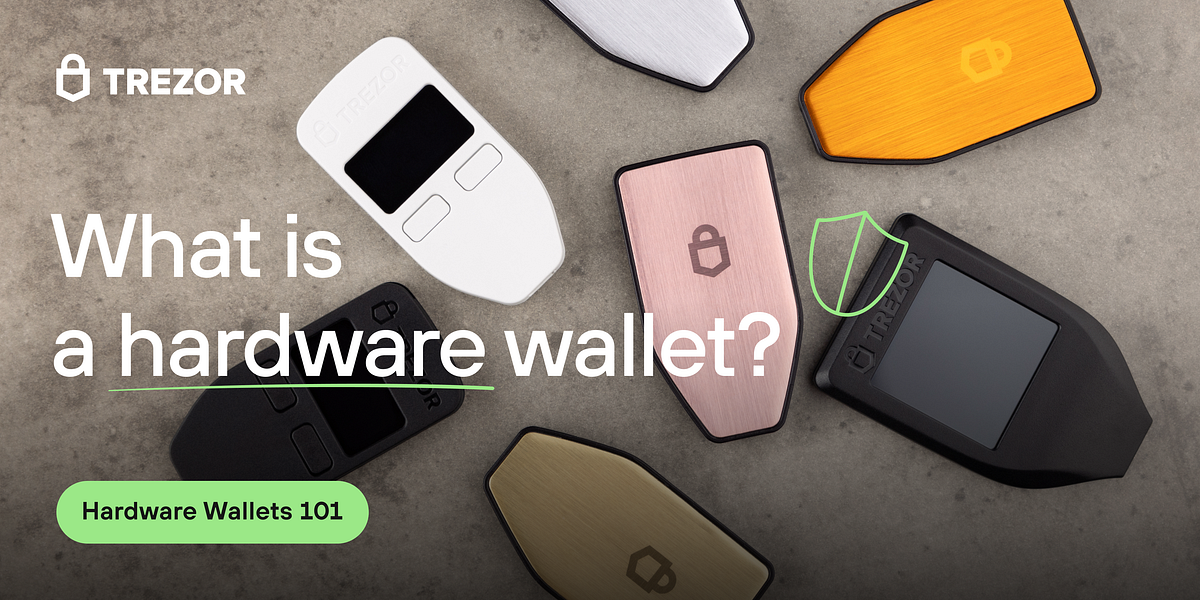
For years, the mantra in cryptocurrency has been simple: “Not your keys, not your coins.” We bought hardware wallets like Trezor, celebrated the security of our cold storage, and then… often found the experience a bit clunky. We’d juggle a separate program for our Bitcoin, a browser window for Ethereum, and a third-party interface for everything else. The security was there, but the elegance was missing.
Enter the Trezor Suite. This isn’t just an update; it’s a fundamental shift in how you interact with your digital assets. It transforms your Trezor hardware wallet from a simple vault into the command center for your entire financial sovereignty. If you’re still just using your Trezor to “store” crypto, you’re only scratching the surface of its potential.
Let’s explore how to truly master your crypto portfolio by managing it effectively within the Trezor Suite ecosystem.
First Impressions: More Than a Pretty Face
The moment you launch Trezor Suite, the difference is palpable. It’s a standalone desktop application (with a web version for convenience) that feels cohesive and intentional. The dark mode is easy on the eyes during late-night portfolio checks, and the layout is intuitive. But the beauty is more than skin-deep. This unified interface is where the magic of centralized management begins.
Before you do anything, your Trezor device must be connected. This physical interaction—plugging in the device, confirming actions on its screen—is your bedrock of security. Trezor Suite never holds your private keys; it merely acts as a sophisticated window, requesting your device to sign transactions. This separation is the core principle that keeps your assets safe.
Your Portfolio Dashboard: The 30,000-Foot View
The Dashboard is your home base. Upon connecting your wallet, you’re greeted with a clear, visual overview of your entire portfolio. It automatically detects and categorizes your assets, showing you:
-
Total Portfolio Value: A real-time summary in your chosen fiat currency.
-
Asset Allocation: A pie chart or list breaking down your holdings by percentage. This is invaluable for understanding your exposure at a glance.
-
Recent Transaction History: A clean log of all your incoming and outgoing movements.
This dashboard eliminates the need to manually check a dozen different block explorers or apps. It’s your single source of truth for “how am I doing?”.
Mastering Transactions: Sending with Confidence
Clicking on a specific asset, like Bitcoin or Ethereum, takes you to its dedicated account page. Here, management gets granular.
Sending funds is a streamlined process:
-
Enter the recipient address (or use the handy QR code scanner).
-
Input the amount.
-
Review the network fees. This is a standout feature. Trezor Suite provides excellent fee customization, allowing you to choose between Slower/Economy, Normal, and Faster rates, with a clear estimate of transaction time. For the cost-conscious, you can even set a custom fee.
The crucial step happens next: Trezor Suite will display all transaction details on your Trezor device’s screen. You must physically confirm the address and amount on the device itself. This protects you from malware that might alter what you see on your computer.
The Art of Receiving: Your Public Identity
Receiving is even simpler. Click the “Receive” tab, and Trezor Suite will generate a receiving address. For an added layer of security, you can enable “Address Verification,” which will display the new address on your Trezor device’s screen to ensure it hasn’t been tampered with.
A pro-tip: Don’t be afraid to generate new addresses for each transaction. It’s a good privacy practice, and Trezor Suite manages them all under your master wallet, so you’ll never lose track.
Diving Deeper: Advanced Management Features
This is where Trezor Suite truly separates itself from being a simple balance checker.
-
Integrated Exchange: Why send your crypto to an external platform? Trezor Suite features built-in exchange partners (like Invity) that allow you to swap one asset for another directly within the app. The process is non-custodial—the coins never leave your Trezor until the swap is executed.
-
Coin Control (For Bitcoin): This is a power-user feature for privacy and financial management. It lets you choose which specific UTXOs (Unspent Transaction Outputs, think of them as specific “coins” in your wallet) to spend. This allows you to consolidate smaller amounts or avoid spending from a address you’d like to keep private.
-
Labeling and Organization: You can label your transactions, addresses, and accounts. “Hardware Fund,” “Savings,” “DeFi Play” – tagging your movements turns a cryptic transaction history into a meaningful financial ledger.
-
Staking (For Ethereum): If you hold ETH, you can natively stake it directly through Trezor Suite to earn rewards, all while keeping your keys secure on your device.
Security and Privacy: The Unseen Shield
Management isn’t just about moving funds; it’s about protecting them. Trezor Suite is packed with features for this:
-
Tor Integration: You can route all your Trezor Suite traffic through the Tor network with a single click, obscuring your IP address from network observers.
-
PIN and Passphrase: Beyond your standard PIN, you can enable a “Passphrase” feature, which creates a hidden wallet. This is the ultimate protection against physical theft, acting as a 25th word to your seed phrase.
-
Firmware Updates: The app will promptly notify you of critical firmware updates for your device, ensuring you have the latest security patches.
The Final Word: From Storage to Strategy
Managing your Trezor hardware wallet with Trezor Suite is a transformative experience. It elevates the process from mere storage to active, informed portfolio management. It brings together the non-negotiable security of cold storage with the convenience and power of a modern financial platform.
Your Trezor is no longer just a safe. With Trezor Suite, it becomes the key to a sovereign, organized, and confidently managed financial future. It’s time to step inside the command center and take full control.